Stay up to speed on the rapid advancement of the LawnBeast platform.
Turn today's scheduled jobs into an optimized route, adjust it if you need to, and send each crew its own emailed schedule.
Tell LawnBeast where your crews load up in the morning, so every route starts and ends there instead of falling back to a crew or business address.
Finish Stripe's onboarding form so you can charge cards, place holds, and issue refunds through LawnBeast.
See which invoices are overdue and how long they've been outstanding, so you know who to chase first.
Track quotes on the board, record accepted or declined outcomes, reopen or archive, and act on several quotes at once.
Pick an existing customer or a new lead, add itemized line items, set validity and terms, then finalize and email the quote.
Let customers pay invoices straight from their bank account, at a lower processing fee than cards, with one checkbox in Business Settings.
Charge a customer's card on a completed job, one at a time or in bulk, and know how to hold, refund, or read a decline.
Attach jobs or add manual line items, set payment terms, tax, and a customer memo, then finalize and send the invoice.
Turn on tips, choose where your customers are asked, set your suggested amounts and wording, and send a tip link for work that's already been paid for.
Add your logo, license or registration number, tax ID and footer terms to every invoice, quote and receipt you send — and check what customers actually receive.
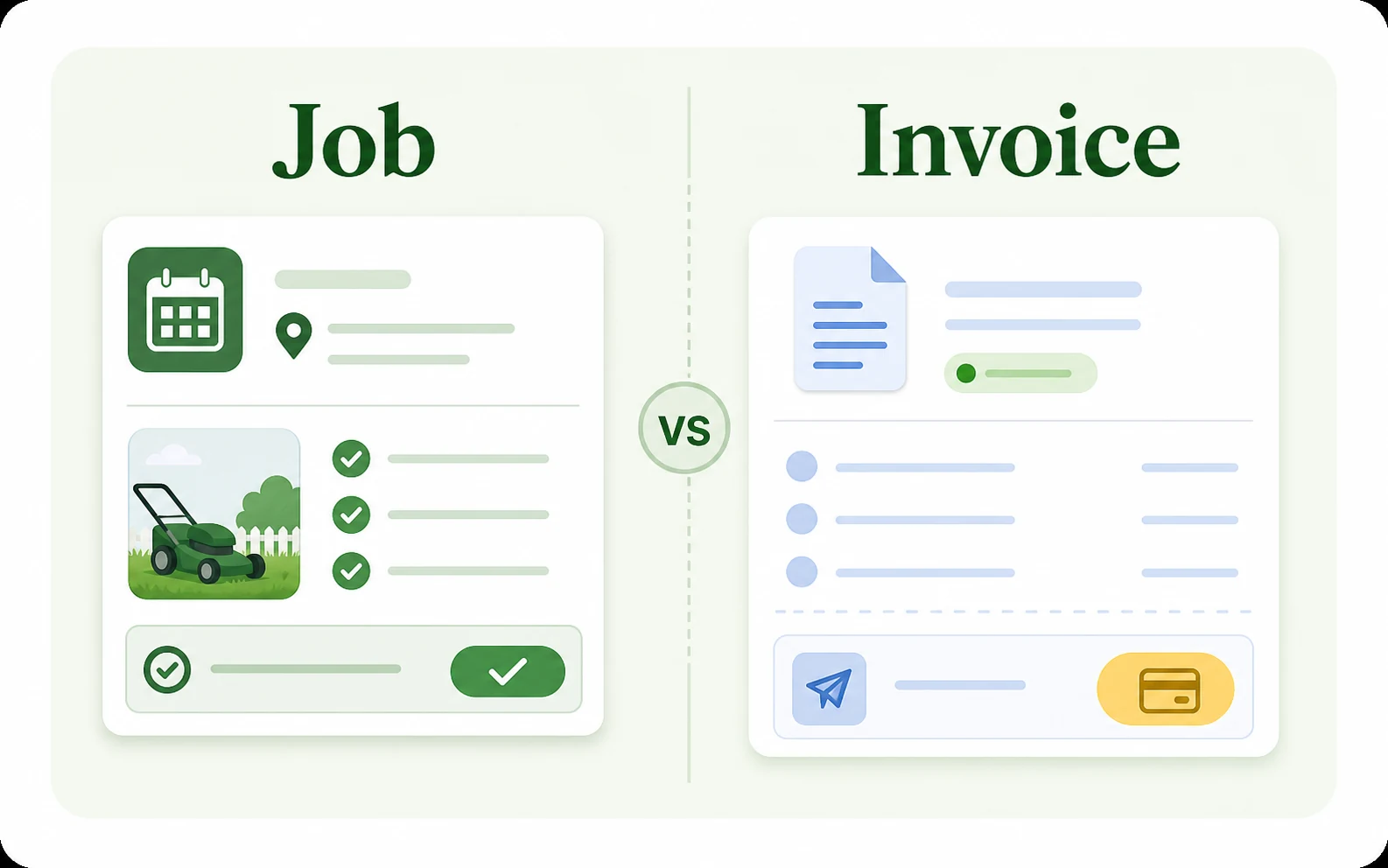
When to use a job, when to use an invoice, and how the two connect.
Step-by-step instructions to install the LawnBeast iOS app via Apple TestFlight
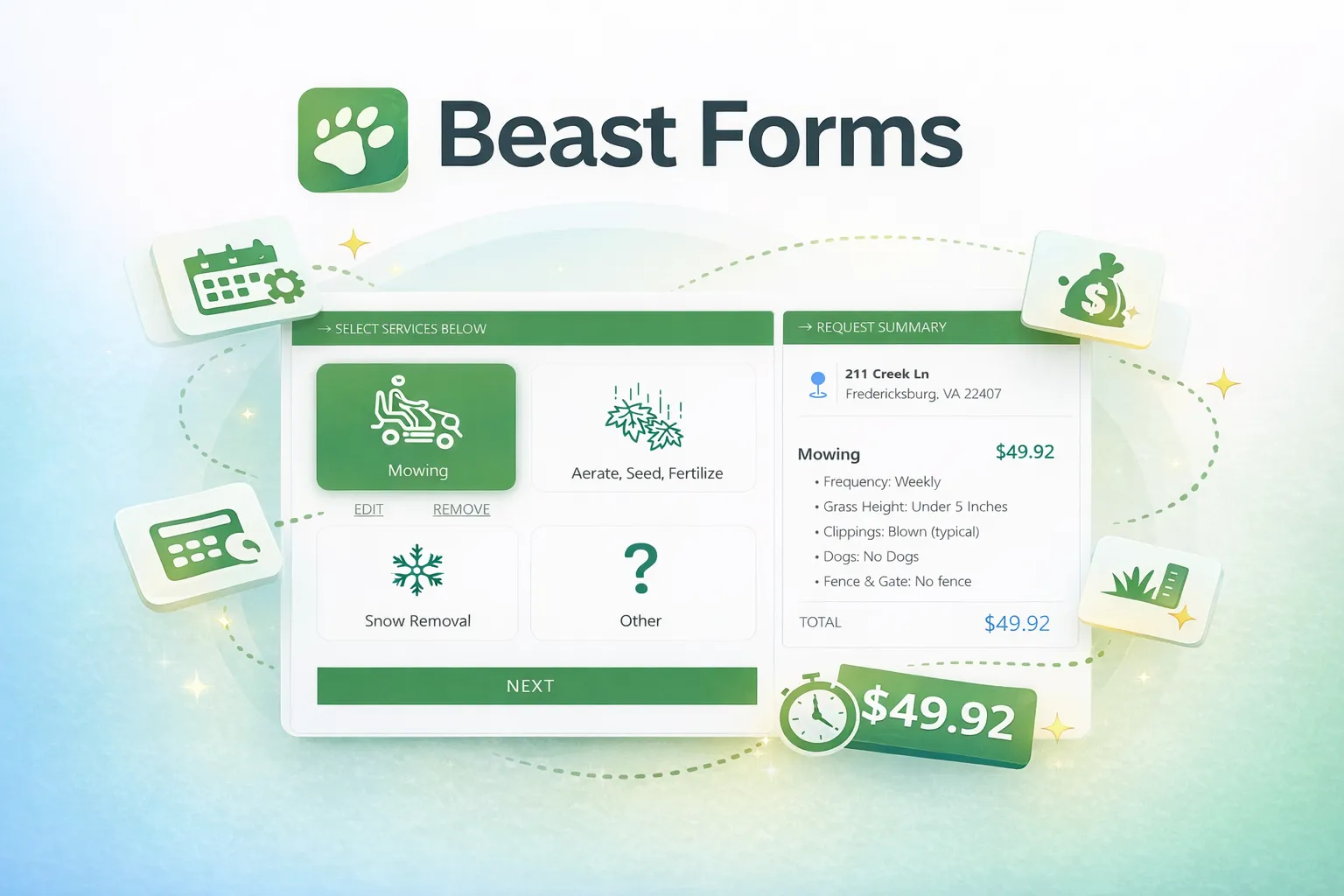
Learn how to create high-converting forms that generate accurate quotes for your service business.